

Take the shot
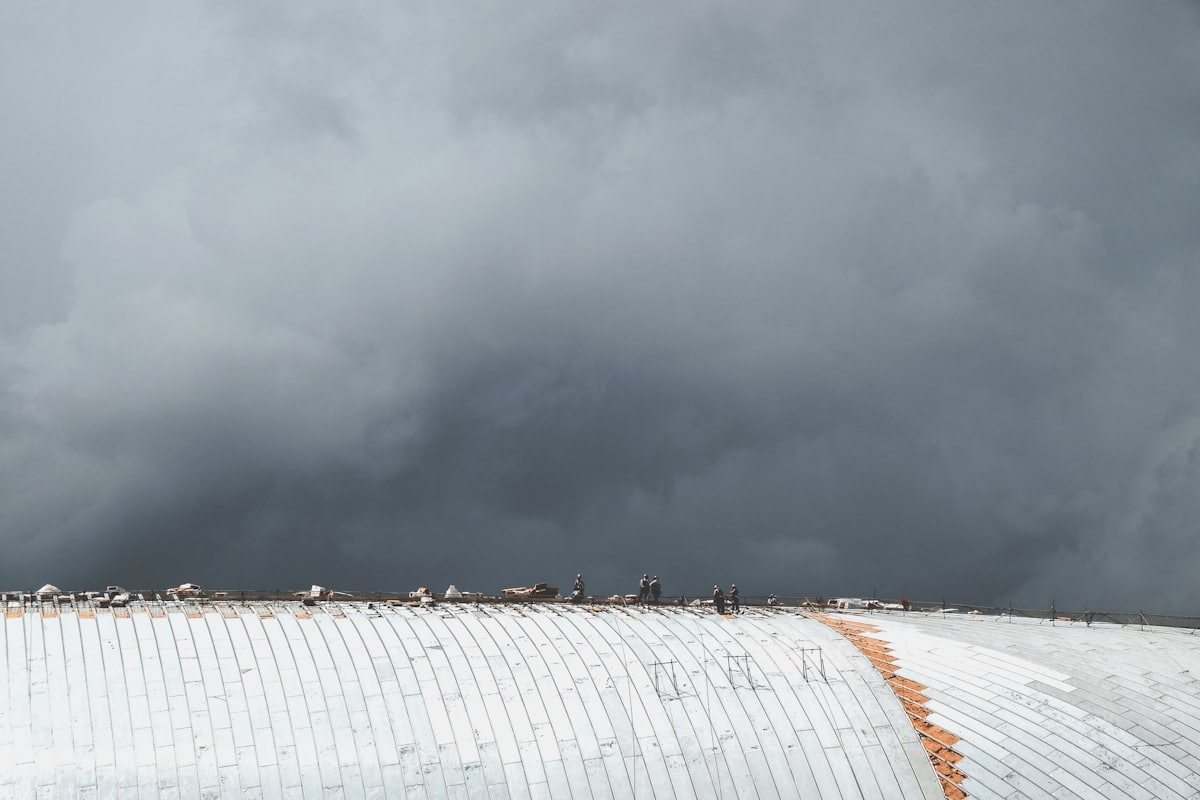
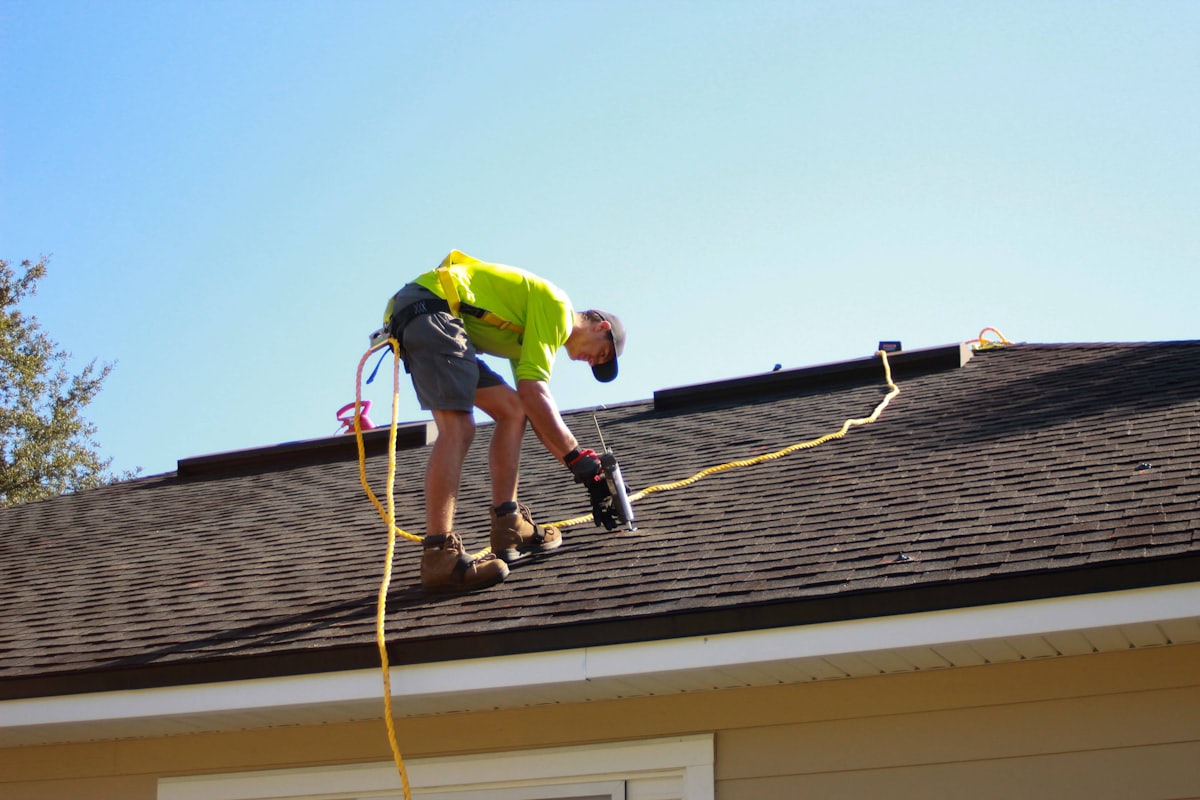
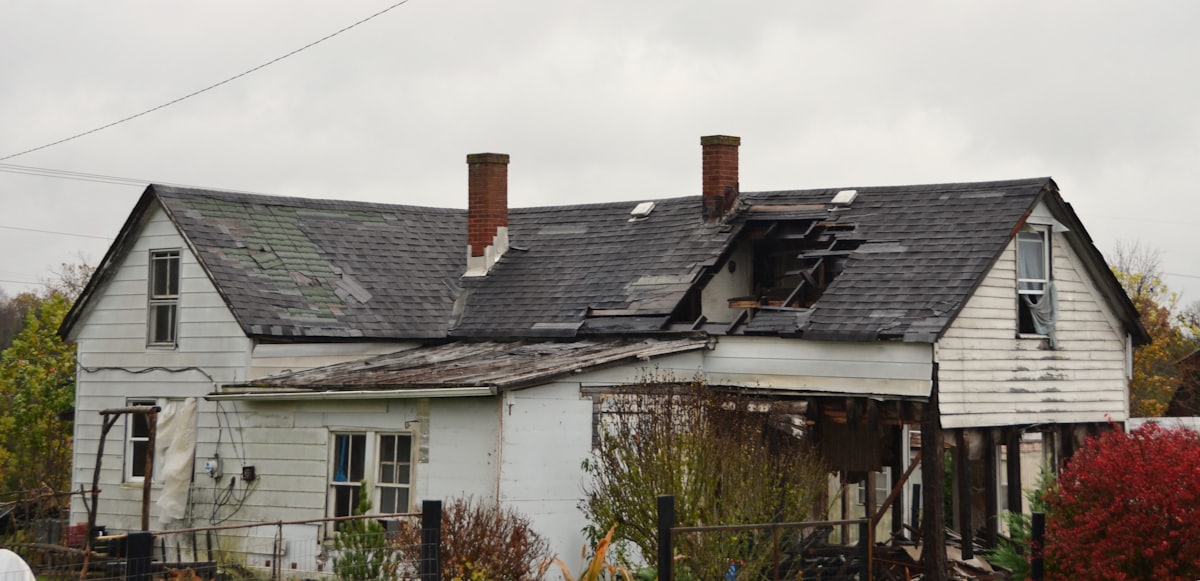
A tech on the roof snaps the north slope before tear-off. GPS and timestamp attach at the moment of capture. If there’s no signal up there, it queues and syncs the second the truck hits coverage.
Field photo documentation
Your crew already takes the photos. BlitzzCam turns them into a location-verified, time-stamped record — filed to the right project automatically, searchable in seconds, and owned by your company, not somebody’s phone.
Location verified
The camera roll problem
Nobody plans it this way. It just happens — one job at a time, one text thread at a time — until the day you actually need a photo and it isn’t there.
The photo that settles the argument exists. It’s in a camera roll with 4,000 other pictures, and nobody remembers which day it was taken.
Messaging apps strip metadata and crush resolution. Without verified location and time, a photo is a claim — not documentation.
When a foreman leaves, the phone goes with them. Years of jobsite history become someone else’s personal photo library.
Renaming files, chasing crews for pictures, rebuilding a job history at 9pm the night before a claim deadline. None of it is on an invoice.
Damage that was there before you arrived. Work the customer says they never approved. Without the before shot, you’re negotiating on your heels.
The fix
Open the app, take the picture, get back to work. No file naming, no folders, no “send it to me when you get down.”
Every shot carries GPS coordinates and a timestamp recorded the moment it was taken — not typed in later from memory.
Photos land in the correct job and phase on their own, so the record builds itself while the work happens.
Search by project, tag, or date. The photo you need for a claim in March is one search away in November.
The record belongs to the business. You decide who sees what — crews, office, clients, adjusters, inspectors.


The product
Crews shoot. Office reviews. Same record, no re-uploading, no hunting through group texts.
07:41
07:52
08:04
08:19
08:33
09:02
09:14
09:41
10:06
10:22
10:47
11:03
Verified
34.0522°N 118.2437°W · ±3 m
The proof trail
One photo, three destinations, zero forwarding. Here’s the whole chain of custody.
A tech on the roof snaps the north slope before tear-off. GPS and timestamp attach at the moment of capture. If there’s no signal up there, it queues and syncs the second the truck hits coverage.
It appears in the project record on its own — tagged, dated, and sitting next to every other photo from that phase. No group text to scroll, nobody to chase.
Share a permission-based portal link or a branded PDF report. They open it in a browser — no account, no app download — and see exactly what you saw, with the location and time attached.
Why contractors run it
The photos were free. What they’re worth depends entirely on whether you can produce them, on demand, with the location and time still attached.
Close-ups of the flashing, the deck, the fasteners. When a customer calls three months later, you look at the record instead of sending a truck.
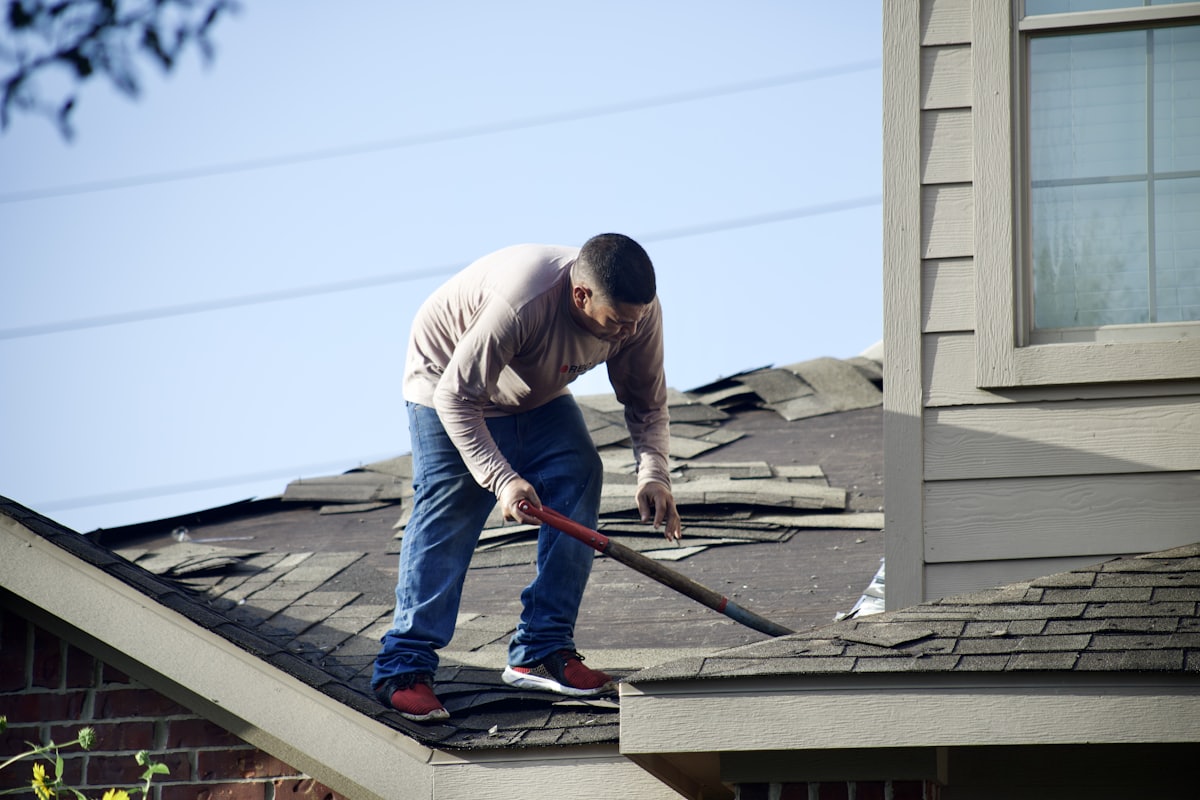
Rotted decking, doubled layers, undersized rafters — photographed the hour you found them. Time-stamped discovery is a much easier conversation than a phone call.
Homeowners want to know what happened today. Send the day’s photos from the record instead of writing an email nobody believes.
Checklists drive what gets shot at each phase, so the required photos exist before the inspector asks — organized by phase, not by date dumped.
Pre-existing damage, documented before you touched anything, with coordinates and a timestamp. Most arguments end the moment you produce it.
Every job you have ever done, documented in one company-owned place. It survives turnover, and it’s worth something when you sell the business.
What’s in the box
iOS and Android. Big targets, few taps, works with gloves on. The whole interaction is point and shoot.
Shoot anywhere. Photos upload on their own once you’re back in range, so dead zones don’t create gaps in the record.
Photos file themselves under the right job and phase. The folder structure builds itself as the work moves.
Custom tags for slope, phase, trade, crew — whatever you actually call things. Then find any photo by project, tag, or date.
Tell the crew exactly which shots each phase needs and assign them. Nobody gets off the roof missing the one photo that mattered.
GPS coordinates and a timestamp on every single shot, recorded at capture. That’s the difference between a picture and proof.
Permission-based portal links for clients, GCs, adjusters, and inspectors. They don’t need an account or an app — and you control what they see.
Turn a project’s photos into a clean, dated report with your logo on it. Good enough to hand an adjuster, an owner, or a lawyer.
Full-resolution photos, no per-image fees, no pressure to delete last year’s jobs to make room for this year’s.
On the job
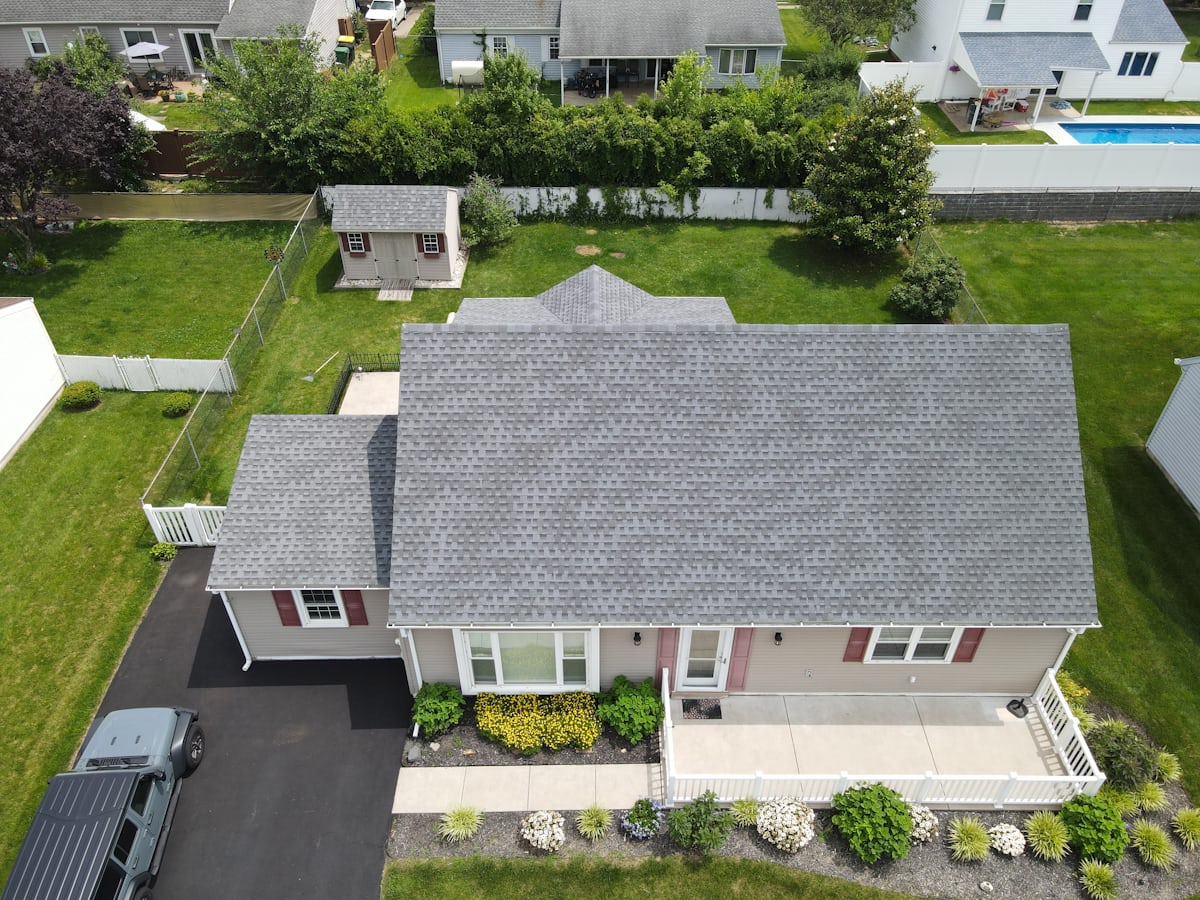
Hail hits Tuesday. Your crews are on twelve roofs by Thursday. Each impact gets shot in place with coordinates and a timestamp, filed under the right address, ready to attach to the claim.
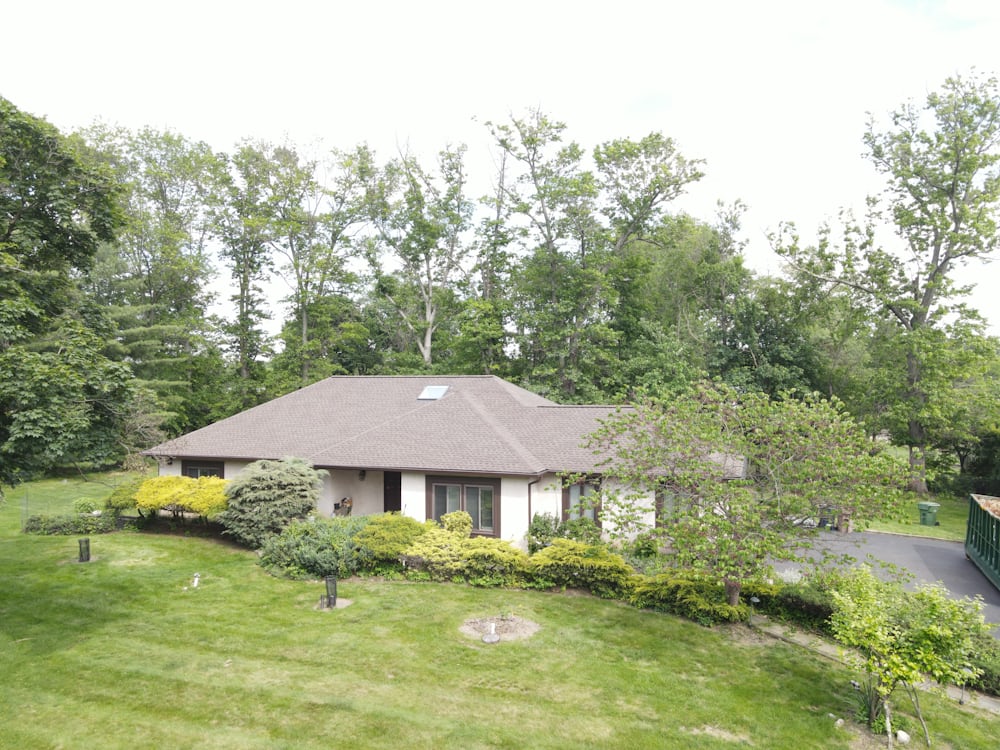
The cracked stucco was there when you arrived. Ten seconds of documentation at walk-through means you are never the one arguing without evidence — drag the handle to compare.
Tear-off, decking, underlayment, shingles, cleanup. The day’s photos are already grouped by phase, so an update is a link, not an evening of writing emails.
Framing hands off to roofing. Roofing hands off to gutters. Each trade’s condition is photographed at the boundary, so “it was like that when we got here” is a fact, not a claim.
Checklists made sure every required shot exists. Export a branded PDF with the location and time on each photo and close the job while the truck is still in the driveway.
Project #4417 — timeline
DAY 1 · 07:41
DAY 1 · 11:20
DAY 2 · 09:04
DAY 3 · 14:38
DAY 4 · 10:12
DAY 5 · 16:47
DAY 6 · 08:55Straight answers
Still need something specific to how your company runs? Get one of our team on a call.
Schedule a DemoKeep shooting. Photos are captured on the device with their location and timestamp intact, and they sync to the cloud automatically once you’re back in range. Dead zones don’t leave holes in the record.
Your company does. Photos live in secure company-owned cloud storage with controlled, permission-based access — not in an employee’s personal camera roll. When someone leaves, the record stays with the business.
No. You send a permission-based portal link and they open it in a browser — no account, no install. You control exactly which projects and photos that link exposes.
No. BlitzzCam is built for unlimited high-resolution photo capture with no per-image fees, so nobody on your team has to think about whether a shot is “worth” taking.
GPS location and a timestamp are recorded at the moment of capture and stay attached to the photo inside the project record. That’s what makes it defensible later — the where and the when weren’t typed in from memory a week afterward.
iOS and Android for the crew in the field, and a web view for the office to search, organize, and share.
Yes. Export a project’s photos as a branded PDF report with your logo, dates, and location details on the shots — ready to send to an owner, a GC, or an insurer.
Roofing is where the pain is sharpest, so that’s who we build for first. The same record works for construction, restoration, real estate, field service, manufacturing, insurance inspections, and utilities — anywhere a photo has to hold up later.
Start free — create an account, put it on one crew’s phones, and run a single job through it. If you’re a larger company that needs rollout across multiple crews, or you have procurement and security requirements, book a demo and we’ll walk through it with you.
Jobsite proof, built to withstand scrutiny
Your crew is already taking the photos. Put them somewhere they turn into a record — verified, organized, and owned by your company.
Free to start · iOS & Android · Unlimited hi-res photos